Your day on one calm page.
Morning, afternoon, evening. What to do and what to buy, in the order you live it.
Get it on the App StoreToday
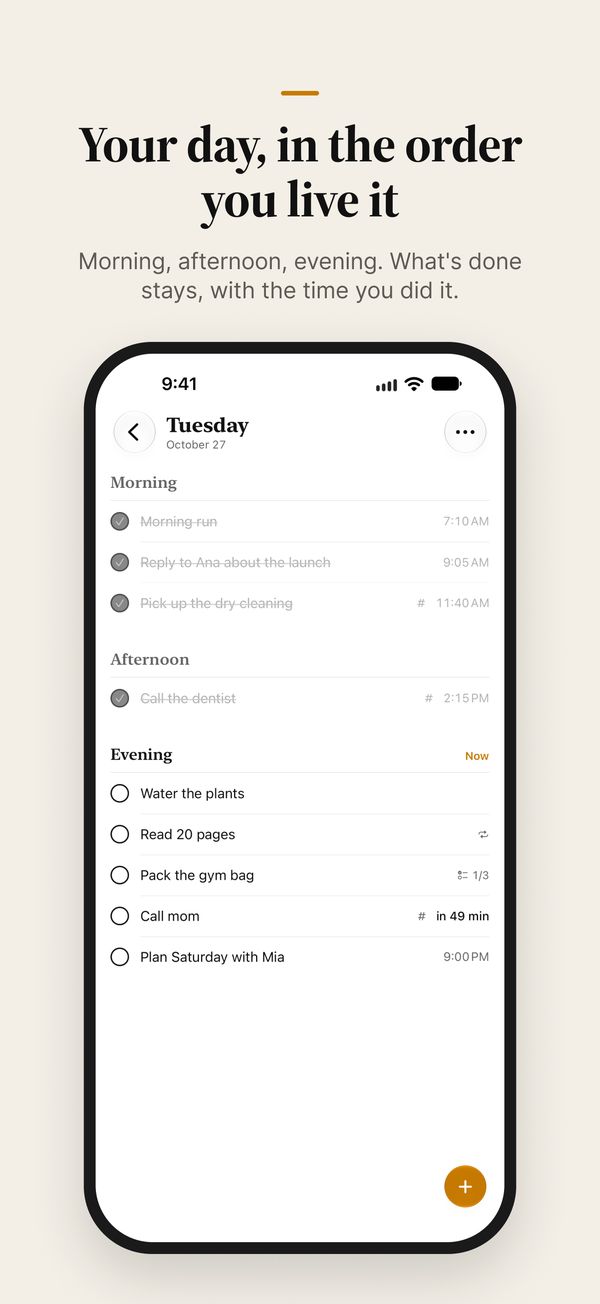
Tuesday, October 27Morning
Now- 7:10 AM
- 9:05 AM
Afternoon
Now- 2:15 PM
Evening
Now- 1/3
- 7:30 PM
- 9:00 PM
Try it: check something off. It stays where it was, with the time you did it.
Morning, afternoon, evening
Plan by the part of the day instead of the minute. “Call mom this evening” waits for the evening, with a gentle nudge as it starts. Give a task a time only when it needs one, and hold and drag to put things in your own order.
Whatever you don’t get to moves on to tomorrow, so nothing piles up as overdue.
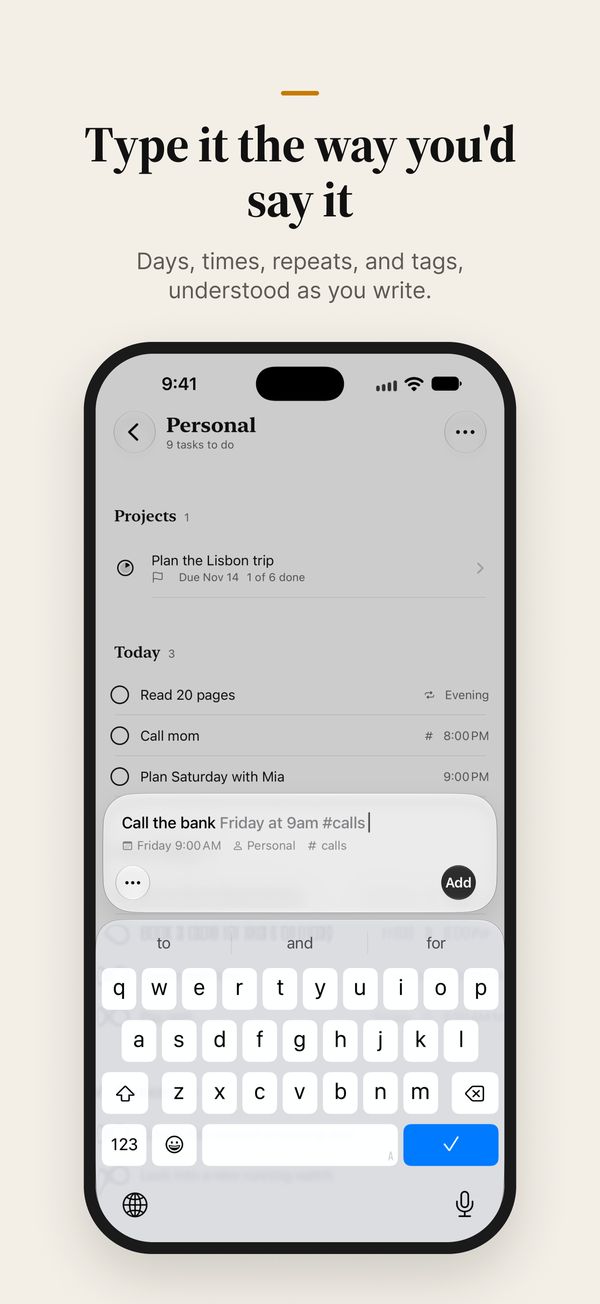
Add things the way you say them
gym tomorrow morning
Tomorrow · Morningdentist next Tuesday at 2pm
Tuesday · 2:00 PMpay rent every month on the 1st
Repeats monthly · 1stmilk to my shopping list
Shopping
Hemeric Day works out the day, the time, the repeat, and where it goes. Or skip the app: ask Siri, add from Spotlight, or put a New Task button in Control Center or on the Action Button. A widget keeps what’s next on your Home Screen.
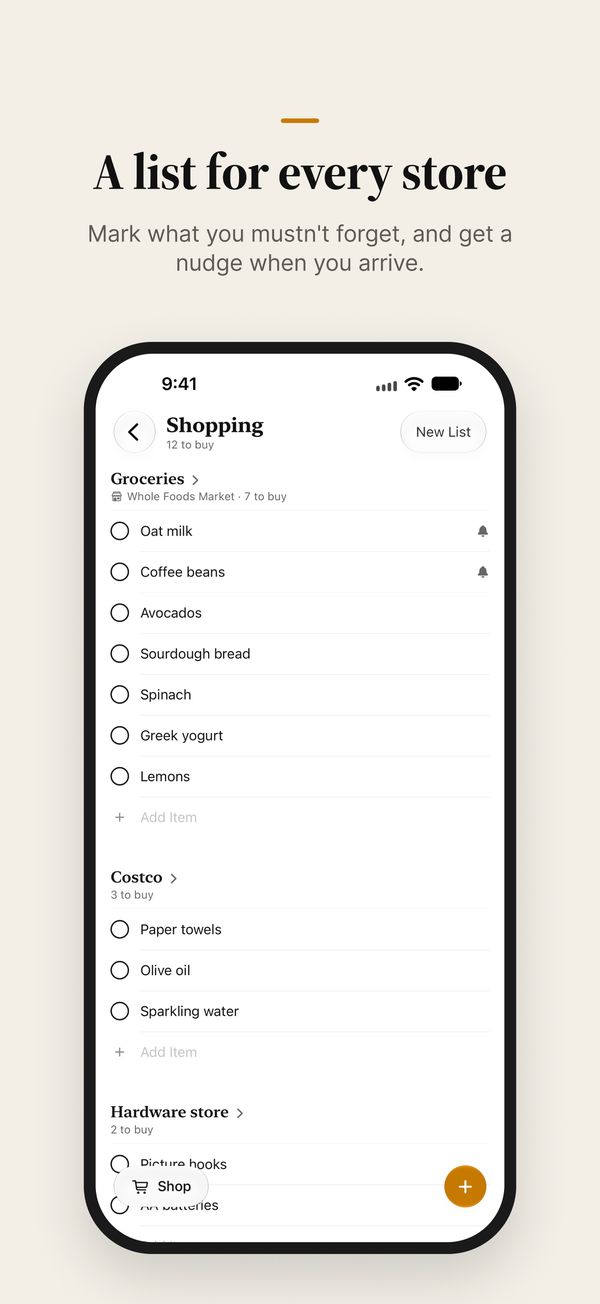
Shopping, built in
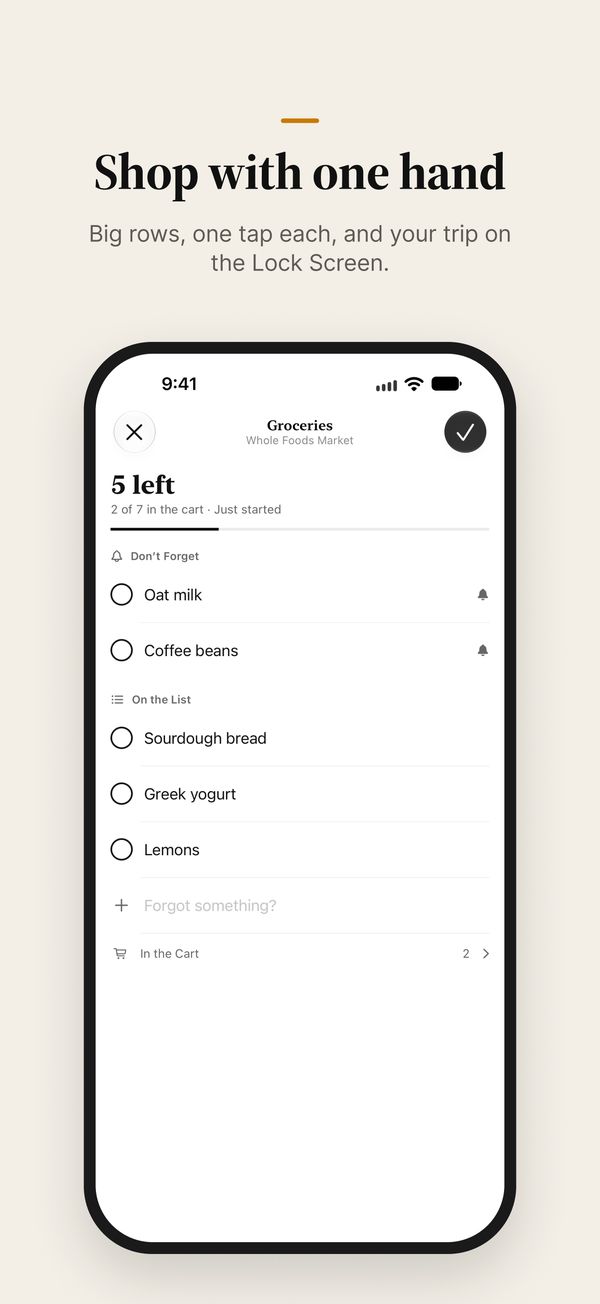
Keep a list for each store and mark what you mustn’t forget. Save the store, and Hemeric Day reminds you of those items when you arrive. In the store, big rows check off with one tap, and your trip follows along on the Lock Screen.
Simple by default, deeper when you need it
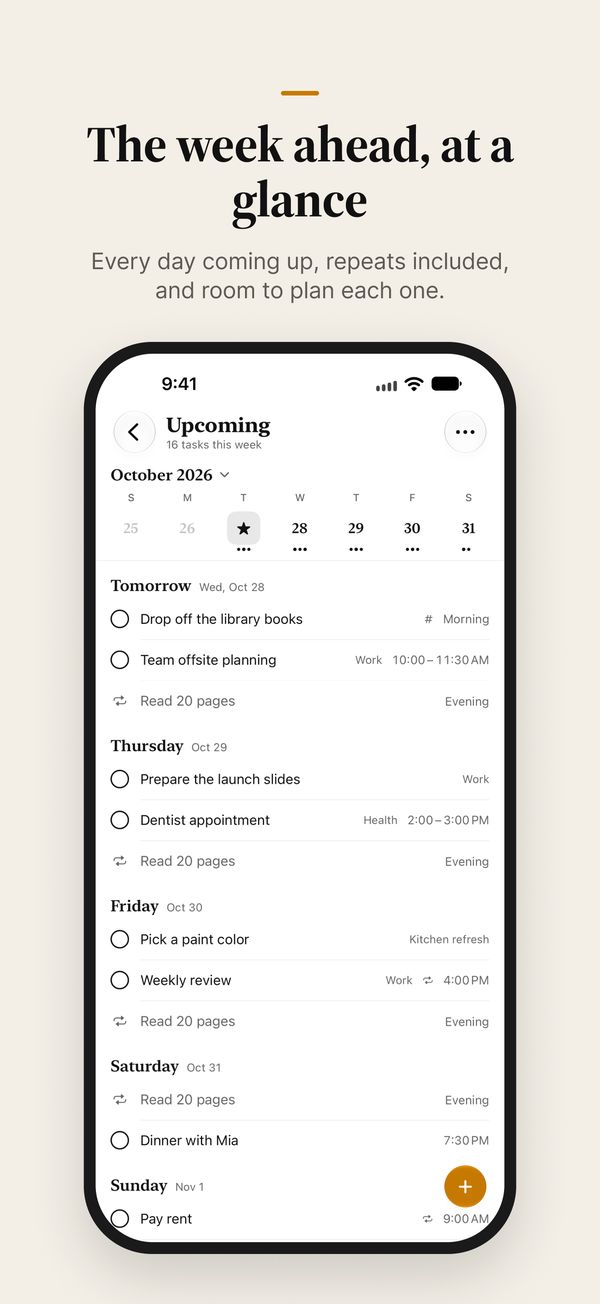
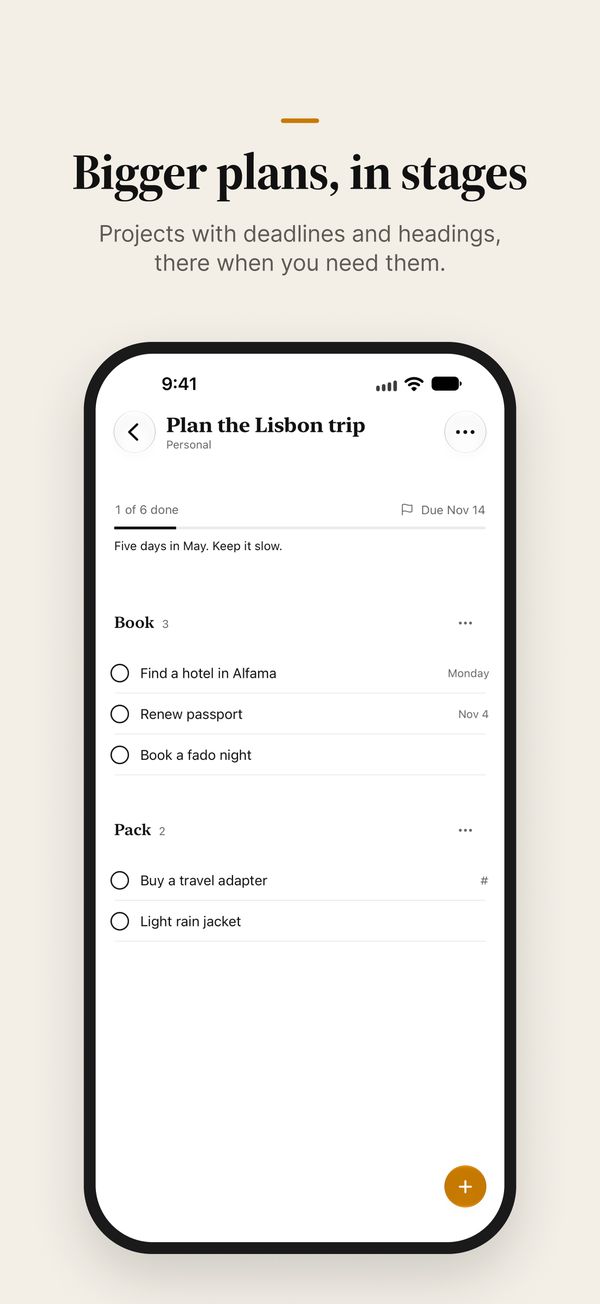
Start with Today, Upcoming, Shopping, and a few areas for home, work, and the rest of life. When something bigger comes along, make it a project with a deadline, split it into stages with headings, and watch it fill in. Tag tasks and save filters to see across every area.
Already using Apple Reminders? Bring over what’s still to do, with its dates and repeats, in one step. Nothing in Reminders changes.
See what you got done
Everything you finish is kept in Done, under the day you did it, so a busy week has something to show for it.
No account
Open the app and start. There’s nothing to sign up for.
Nothing collected
No ads, no analytics, no tracking. Your tasks are never sent to us.
Your own iCloud
Tasks and lists sync privately between your iPhone and iPad. Privacy policy